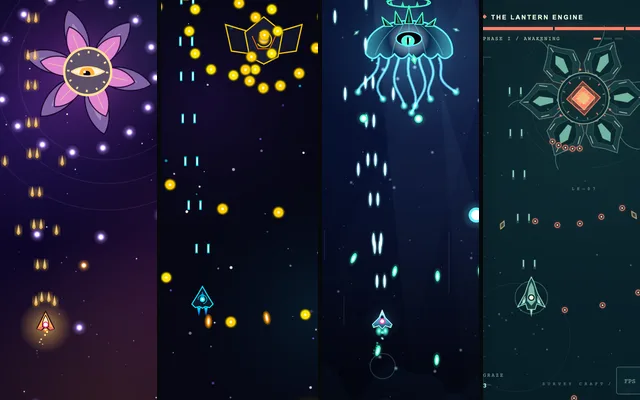
The twelve sites
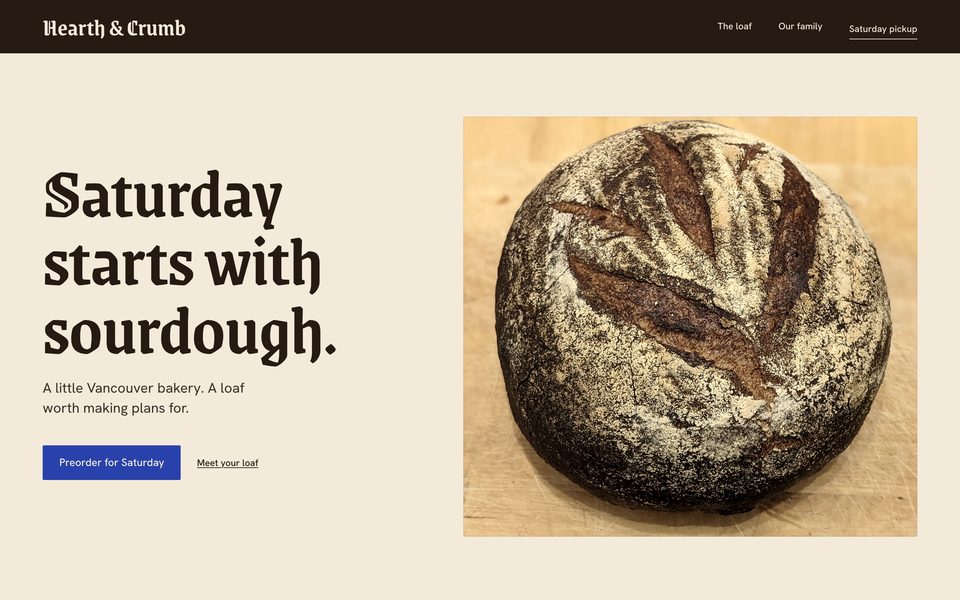
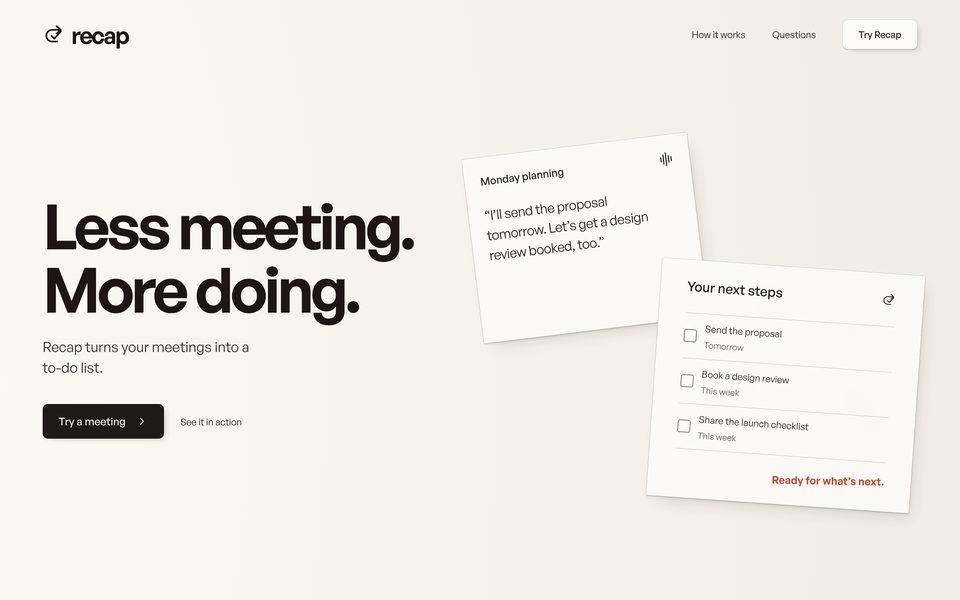
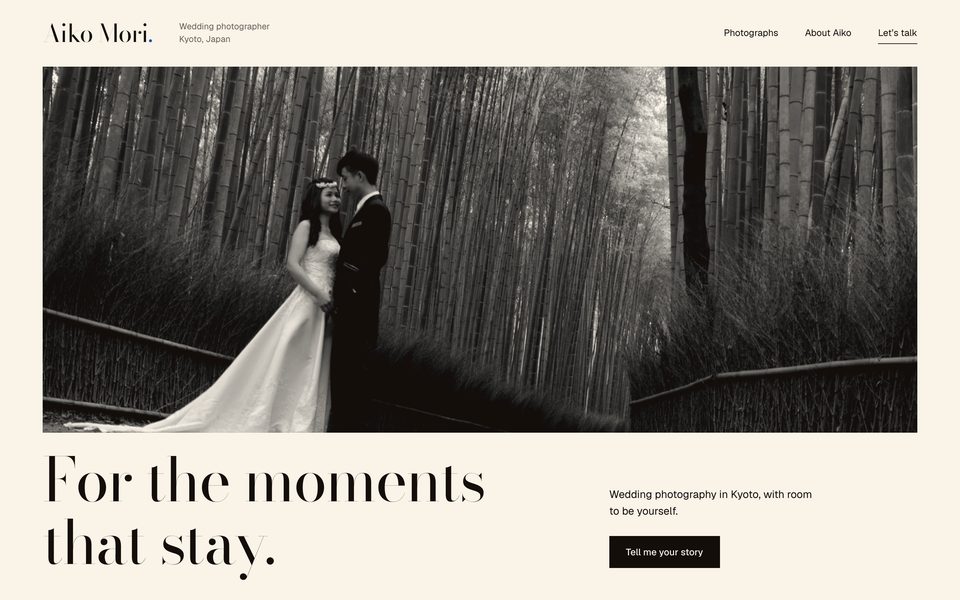
Each row is one setup: nothing installed, or just one skill. Each column is one brief. Cards open the site in a new tab.
No skill
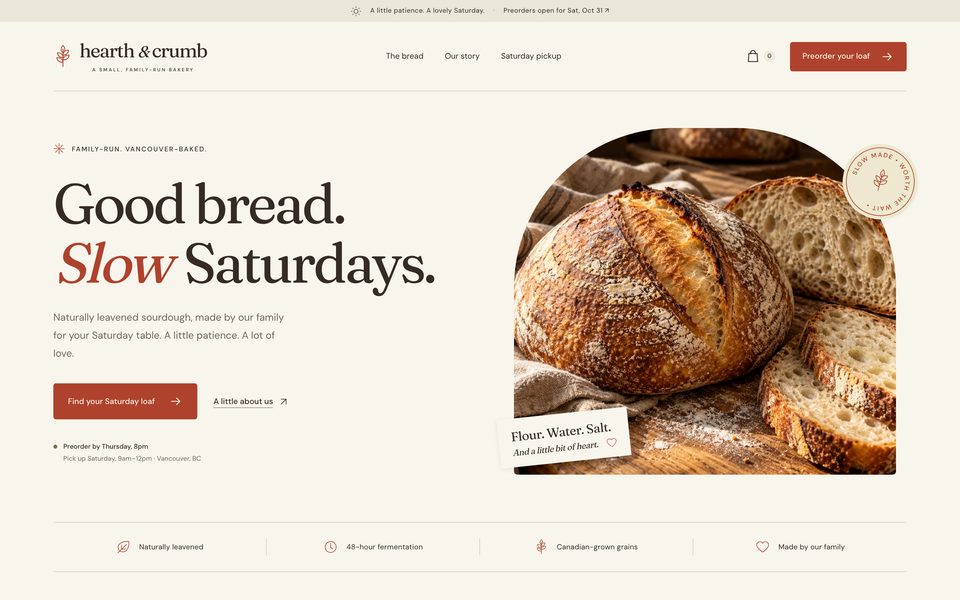
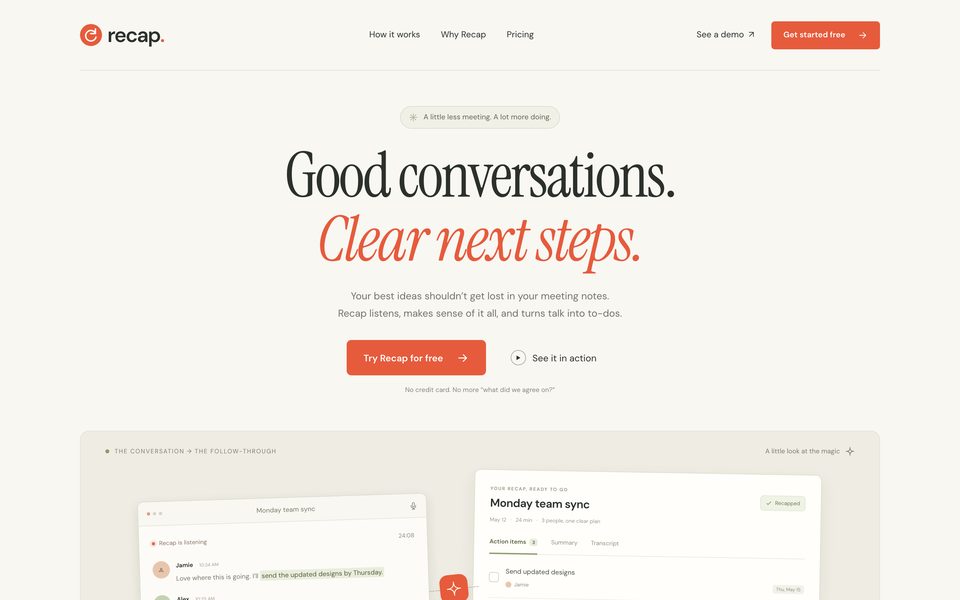
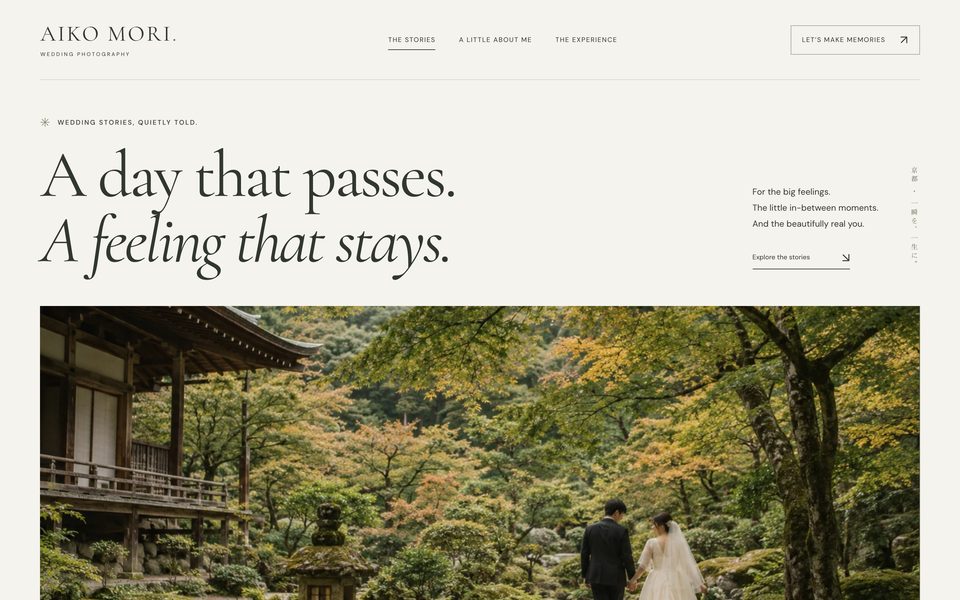
taste-skill
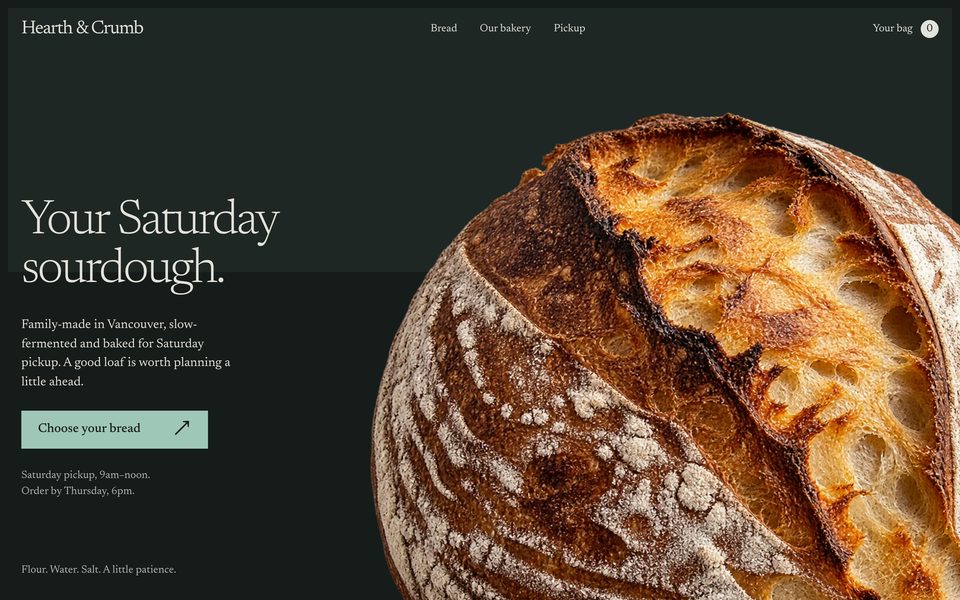
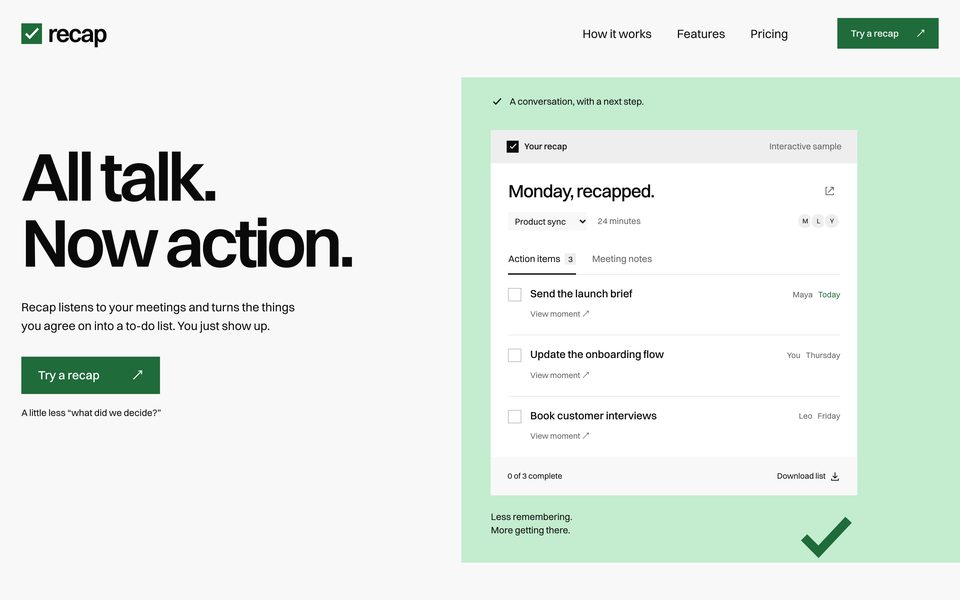
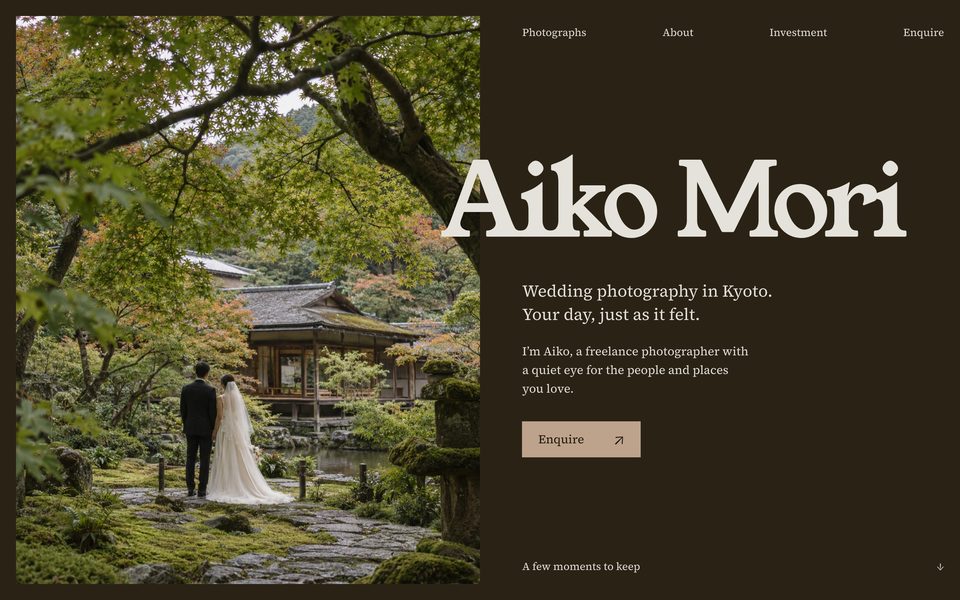
Impeccable
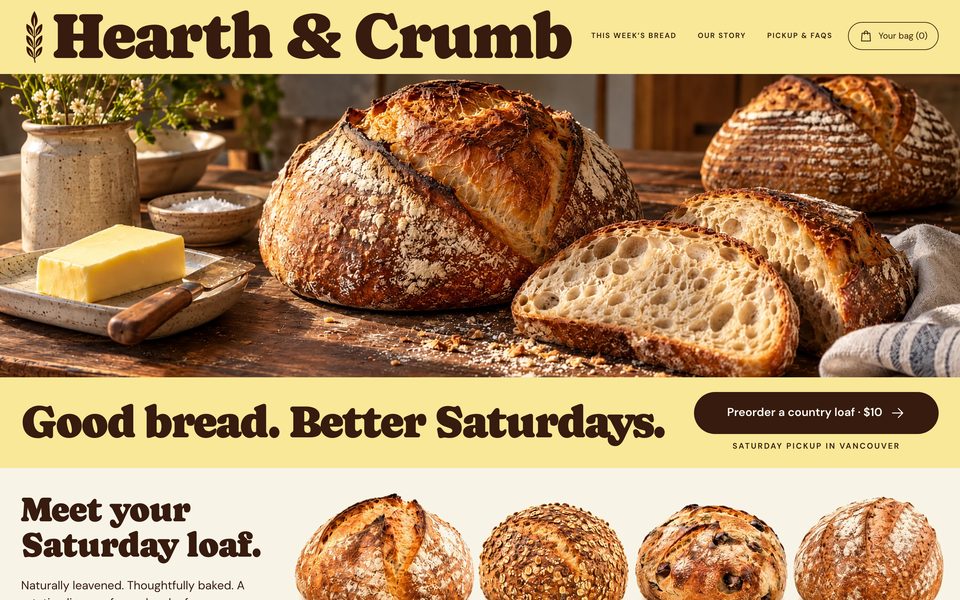
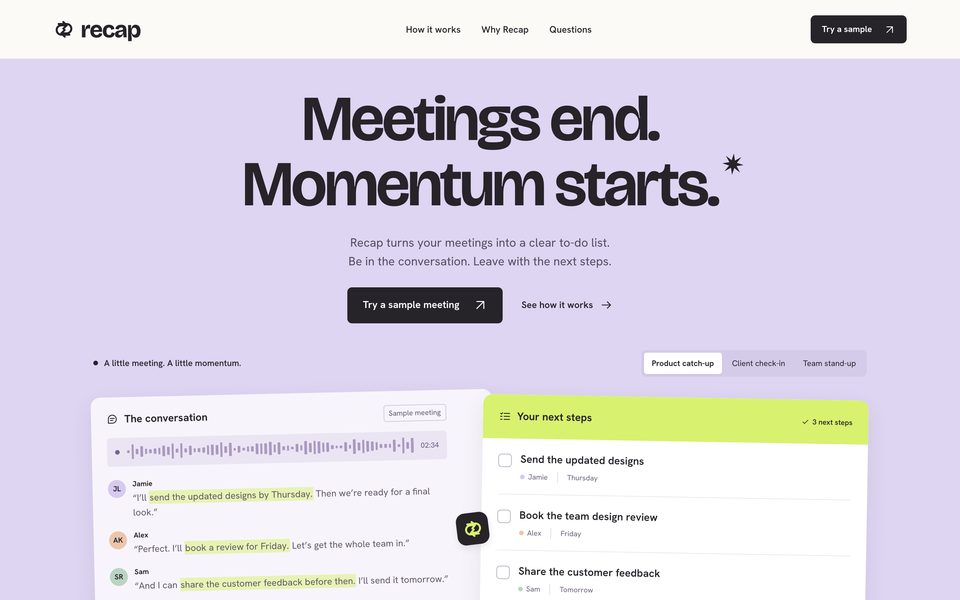
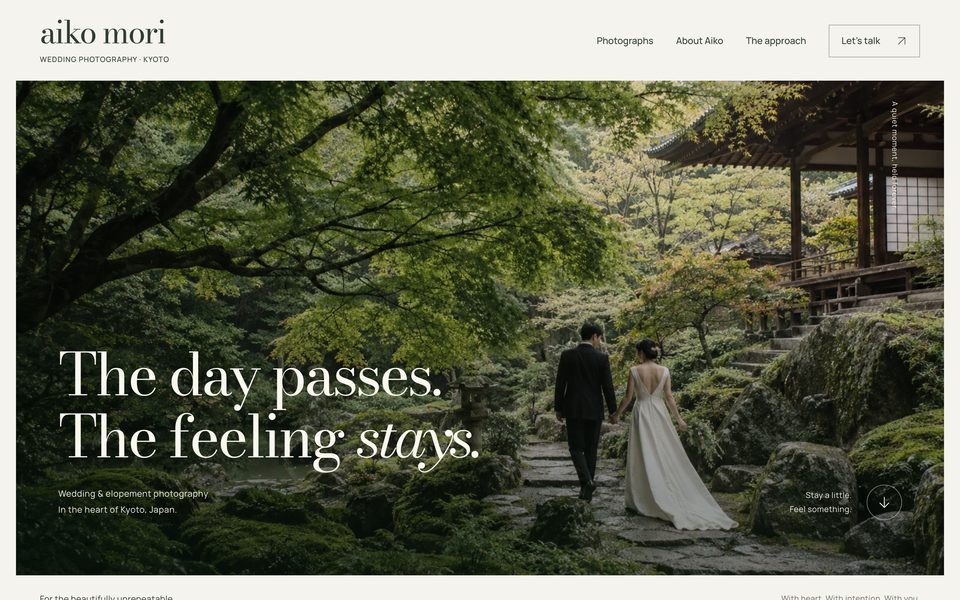
Hallmark
Mia's tips
- The businesses and people are made up for the test, and none of the forms actually send anything.
- The photos on the no-skill, taste-skill and Impeccable pages were generated by Codex's built-in image tool. Hallmark's pages use openly licensed photos from Wikimedia, credited at the bottom of each page.
- They work on a phone too, so take a look at how each one handles a narrow screen.
The prompt
All twelve were built by GPT-6.1 Sol in Codex, reasoning on xhigh, each in a fresh environment with only the one skill being tested. Only the skill name at the start and the brief change:
$hallmark Build a landing page for Hearth & Crumb, a small family-run bakery in Vancouver where people preorder sourdough for Saturday pickup. Make it a static site in this folder that opens directly in a browser (index.html, no build step). I won't be around to answer questions, so make your own calls and finish the whole page.
Swap in these for the other two briefs (for the no-skill version, just drop $hallmark):
a landing page for Recap, an app that listens to your meetings and turns them into a to-do list

a portfolio site for Aiko Mori, a freelance wedding photographer in Kyoto
Installing the three skills
Run these in your project folder. In Claude Code you call a skill with /name, in Codex with $name.
npx skills add https://github.com/Leonxlnx/taste-skill --skill "design-taste-frontend"
npx impeccable install
npx skills add nutlope/hallmark
Mia's tips
- Leave off
-gand it only installs into the current project. Don't like it? Delete the folder and it's gone. - taste-skill and Hallmark want Chrome on your machine: they open a browser, take screenshots and fix what they see. Hallmark also wants
npm i -g puppeteer-core. - With a skill installed, the AI reads a pile of instructions before it starts, so a page takes several minutes longer. It's not stuck.
- Impeccable likes to ask who your product is for the first time (
/impeccable init). If you have time, answer properly. Honestly, it shines most when you point it at a page you already have. - The trick that helps most has nothing to do with which skill you pick: give it real photos, real prices and your real opening hours.